Best Paper to use with Soft Pastels?

By Helen Bullock
26th September, 2018

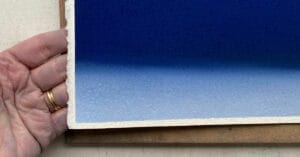
We are often asked what’s the best paper to use with soft pastels, so we asked 3 of our Associate Artists for their opinion.

Profile photo of Denise Findlay.
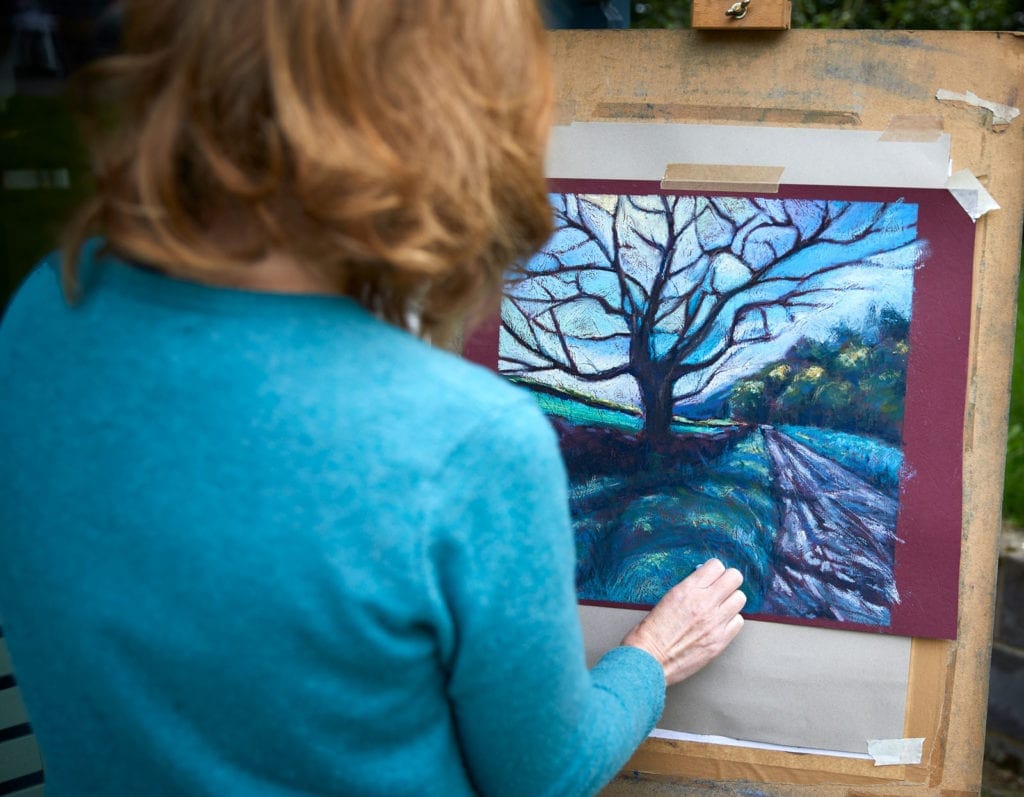
Denise Findlay – Portrait Artist

My preference is watercolour paper ‘not’ pressed. I like the tooth as its not too rough. I’m not a fan of pastels papers on the market as they don’t seem to hold enough pigment.

Denise Findlay
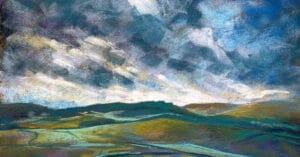
Fiona Carvell – Landscape/Still life Artist

Different surfaces give different results. Canson Mi-Tientes are good for beginners due to the different textures on each side which is great for experimenting. Softer colour & easier blending with fingers on this paper.

Pastelmat is more expensive but has a stronger colour hold, very different texture. Blending techniques are different with this (you will get sore fingers if you blend with too little pastel on this surface).

I also use Canson Mi-Tientes Touch, which is good for wet pastel techniques. I’m always trying out new surfaces as there are lots to choose from.
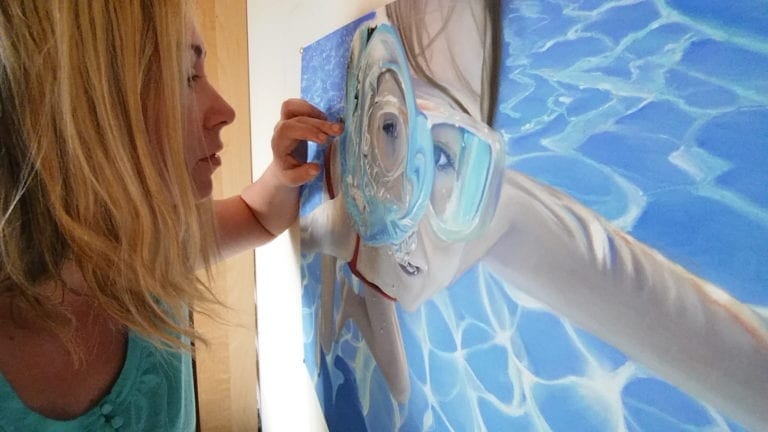
Fiona Carvell
Profile photo of Michelle Lucking
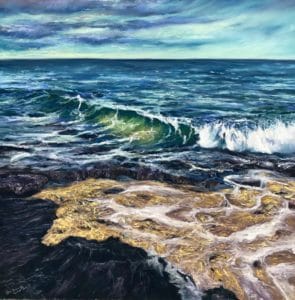
Michelle Lucking – Seascape Artist

UART 400, Claire Fontaine Pastel Mat, Canson Mi Tientes Touch and the standard.

Michelle Lucking

We hope these tips help you when you are deciding on which paper to use. However, if there is any paper that you can recommend to us, we will gladly add it to the list!


Leave the first comment

Colour Chart Guidance

We believe the colours in our web based colour chart are a faithful representation of our pastel range. But with any colours portrayed on the internet, there’s a whole heap of variables which mean that what you see, may not be what we see. That said, there’s some things that can be done to mitigate some of the variance.

Mobile phone and tablet screens tend to be pretty good for colour, so they’re always worth using, when viewing our colour chart.

We hate to say it, but cheaper computer displays, including laptops, can be rather hit and miss, in both colour and contrast, so they might not reveal the depth of the colour, as well as the true tone.

If you’re really keen on getting your computer up to speed on colour representation, you can use a calibration device to reach your display's fullest potential.

With all that said, if you think we’re way off the mark with any of the colours then, by all means let us know, and we’ll give it another shot.